GCash OTP Problem Today: Fixes & Solutions

Issues with GCash OTP today can seem daunting, causing interruptions and worry for frequent users and businesses alike.
Have no fear, because every storm has its end. Today's GCash OTP problem can be mitigated with some strategic fixes and solutions, ensuring you sail smoothly once more towards your financial goals with GCash.
Stay calm and follow through.
Understanding GCash OTP Issues
GCash OTP issues can arise from various sources, affecting the seamless experience that many users expect and appreciate.
GCash OTP issues often stem from signal strength, server load, and device configurations. Network congestion and international gateway delays can also impact OTP reception. To mitigate these problems, users should regularly update their contact numbers and app versions, and stay informed about network outages and server maintenance. Proactive measures ensure a more stable and efficient GCash experience, maintaining confidence in digital financial transactions.
Common Causes of OTP Problems
Issues with GCash OTP can be vexing.
Poor network signal and cellular network maintenance can cause OTP delays. Device settings or apps might block messages, and outdated GCash app versions can hinder OTP delivery. System overload during peak times also contributes to delays. Regularly updating the app, managing device settings, and staying aware of network health can help reduce these issues.
Step-by-Step Guide to Fix OTP Errors

Learn how to resolve issues with receiving your One-Time Pin (OTP) or authentication code in the GCash app. Follow these steps to ensure you get your OTP quickly and securely.
If you didn't receive a One-Time Pin (OTP) via email or SMS the first time, wait a few minutes, then click Tap here to resend to request a new OTP code.
There may be issues with your network, phone settings, or the server if you still have no OTP or your OTP is delayed. Try these steps below to troubleshoot the issue:
- Check Your Network: Ensure you're in an area with a strong signal. If not, move to a location with better reception.
- Toggle Airplane Mode: Turn on airplane mode, wait 5 seconds, then turn it off.
- Force Close the App: Close and relaunch the GCash app.
- Restart Your Device: Turn your device off and back on.
- Update GCash: Ensure your GCash app is up to date.
- Check SMS/Email Inbox:
- Verify that your SMS inbox isn't full and delete some messages if needed.
- Check your email’s Spam folder for the OTP.
Source: https://help.gcash.com/hc/en-us/articles/19805310504985-I-did-not-receive-my-OTP
Recommended Solutions for Fixing the OTP Glitch
How to Check Your Network Connection
Ensure strong network signal by checking your mobile settings and avoiding airplane mode. Restart your phone to resolve minor connectivity issues and move to areas with better signal strength. If problems persist, contact your service provider to check for ongoing issues. These proactive steps can help ensure uninterrupted OTP access.
Updating GCash App to the Latest Version
Regularly updating your GCash app is crucial for resolving OTP issues and enhancing functionality. Updates provide bug fixes, improved OTP delivery, and new features. Each version addresses common user concerns, ensuring smoother transactions. Keeping your app up-to-date ensures reliability, convenience, and security in your financial transactions.
Ensuring Correct Phone Number and Settings
To resolve the GCash OTP problem today, ensure your registered phone number is accurate and your phone settings allow text message reception. Verify your number in the GCash app and check that your phone isn't in 'Do Not Disturb' mode or blocking SMS. These steps help ensure smooth OTP delivery and a seamless GCash experience.
Clearing Cache and Data of GCash App
To resolve today's GCash OTP issues, clear the app's cache and data to eliminate glitches and reset configurations as a part of your troubleshooting efforts. Navigate to your device settings, find the GCash app, and clear its cache and data. Ensure you have your login credentials ready, as this will reset your login state. Regularly maintaining app cache and data clearances ensures optimal performance and efficient OTP delivery, enhancing your financial transaction management.
Contacting GCash Support
To address the GCash OTP problem today, contact GCash customer support. Visit the GCash Help Center via their website or app for resources, or use the "Chat with Us" feature to speak with a live agent. Alternatively, call the GCash Support hotline at 2882 for immediate assistance. Have your account details ready for a smoother resolution.
Online Loans Pilipinas: Your Go-To Financial Solution
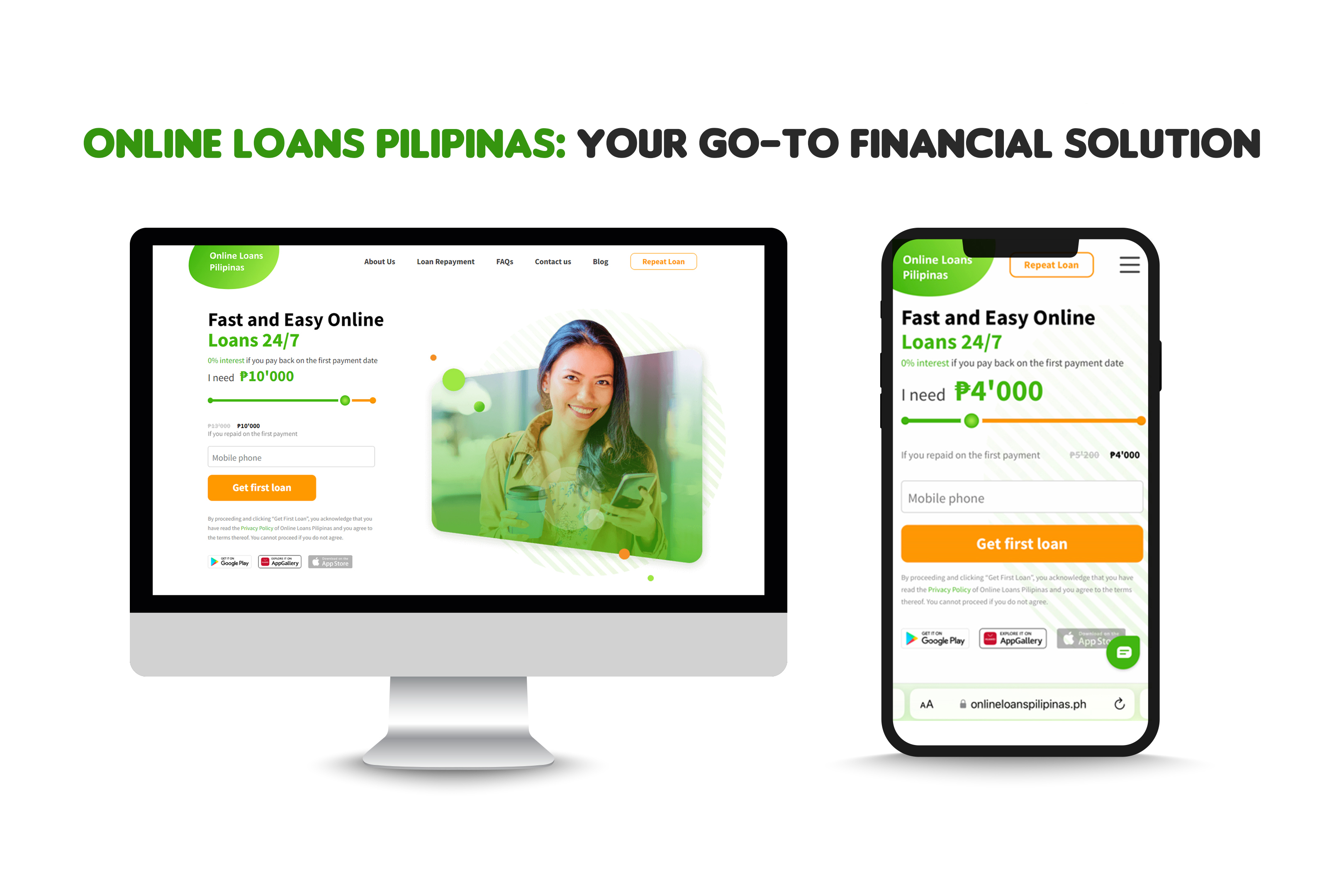
Navigating financial challenges in today's dynamic world can be daunting. When other financial options are not enough, Online Loans Pilipinas steps in as a dependable alternative, offering swift and convenient access to funds.
Why Opt for Online Loans Pilipinas?
- Convenience and Accessibility: Apply for loans online from the comfort of your home, eliminating the need for physical bank visits.
- Swift Approval and Disbursement: Experience rapid approval and fund transfer, addressing your financial needs promptly.
- Flexible Loan Amounts and Terms: Select from a variety of loan amounts and manageable repayment terms tailored to your needs.
- Transparent Practices: Clear terms and conditions ensure you understand interest rates, fees, and repayment schedules before committing.
How to Apply
- Visit the Website: Navigate to the loan application section on the Online Loans Pilipinas website.
- Fill Out the Form: Provide accurate personal and financial information.
- Submit Documents: Upload required documents like identification and proof of income.
- Wait for Approval: Receive notification of your application status.
- Receive Funds: Approved loans are promptly disbursed to your account.