Solve GCash Not Sending OTP Problem
- Understanding Common OTP Issues with GCash
- Checking Your Phone’s Signal Strength
- Ensuring Your Phone Number is Correct
- Verifying Your SMS Inbox for Space
- Updating Your GCash App
- Checking for Mobile Carrier Issues
- Ensuring Do Not Disturb is Off
- Logging Out and Back Into GCash
- Clearing GCash App Cache
- Restarting Your Phone
- Using a Different Phone to Receive OTP
- Contacting GCash Support
- Preventing Future OTP Problems
- Online Loans Pilipinas: An Alternative Financial Solution
Picture this: You’re excited to make a secure transaction on GCash, but the OTP never arrives. It’s a familiar scenario faced by many users, especially during peak hours of digital activity.
Experiencing GCash not sending OTP can be distressing, but worry not—solutions are within reach. In this guide, we will explore effective steps to troubleshoot and resolve this issue swiftly.
Understanding Common OTP Issues with GCash
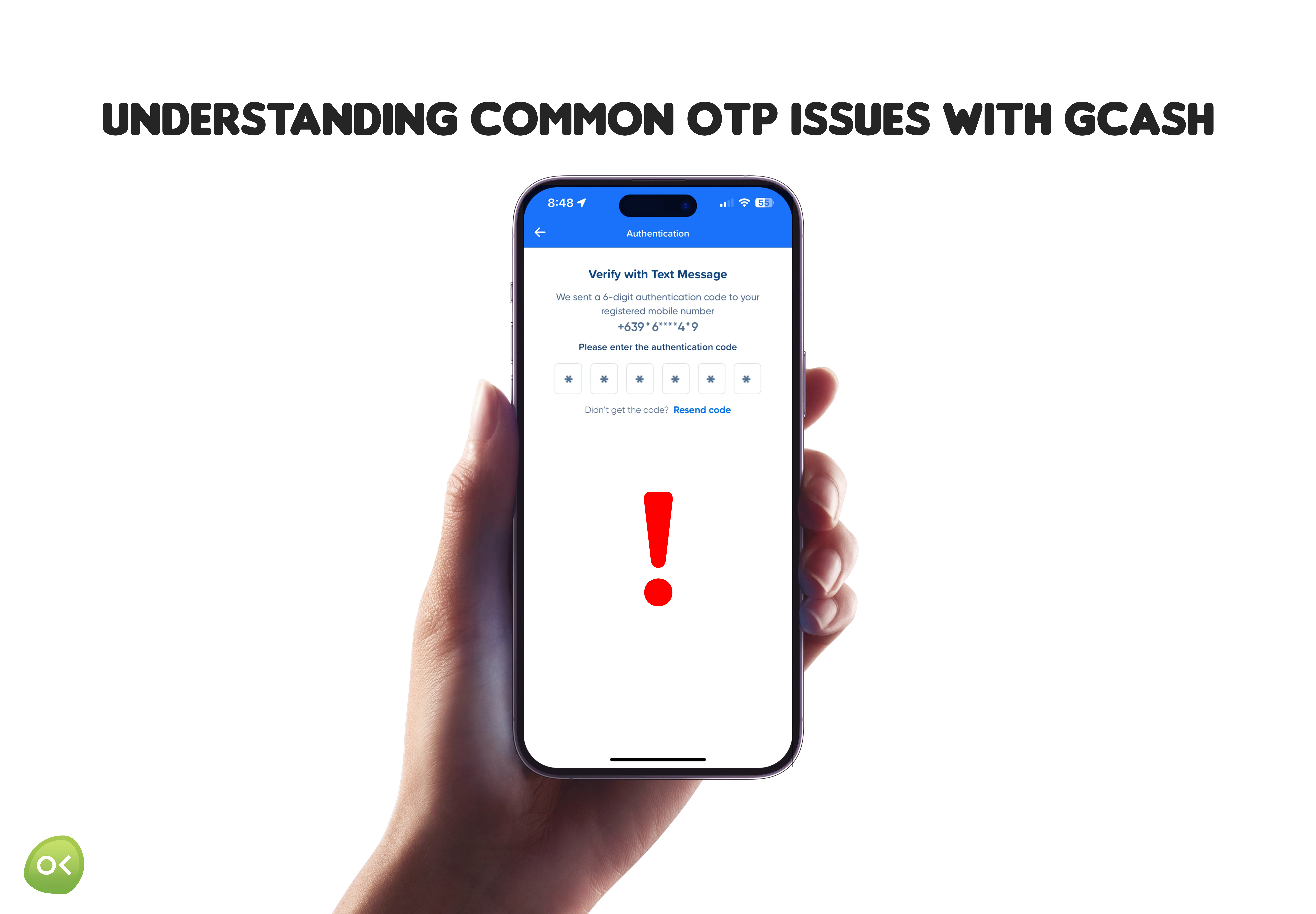
Network signal issues can cause GCash not to send OTPs. System glitches, error messages, or maintenance on GCash's servers might also be the culprit. Double-check your mobile number for accuracy, as incorrect entries lead to failures. Exceeding the OTP request limit within a short period can result in non-delivery; wait a few minutes before trying again. Ensure your GCash app is updated to avoid OTP issues.
Checking Your Phone’s Signal Strength
Maintaining strong signal strength is crucial for successful OTP delivery. Check your phone's signal indicator and move to an area with better reception if needed. Turning Airplane Mode on and off can also help re-establish a stronger connection. Ensuring optimal signal reception is essential for seamless network services and reliable OTP receipt.
Ensuring Your Phone Number is Correct
Accurate phone numbers are essential for OTP delivery. Double-check the number linked to your GCash account, ensuring it follows the correct international format (+63 for the Philippines) without extra spaces or characters. Keeping your contact information updated is crucial for smooth transactions and enhanced online security.
Verifying Your SMS Inbox for Space
Ensuring sufficient space in your SMS inbox is crucial for receiving OTPs from GCash. Regularly check and delete old or unnecessary messages to prevent a full inbox, which can hinder OTP delivery. A clear inbox not only facilitates prompt OTP receipt but also improves overall phone performance, enhancing productivity and connectivity. Maintaining a clean inbox supports seamless financial and digital transactions.
Updating Your GCash App
Keeping your GCash app updated is crucial for functionality, security, and robust authentication. Regular updates ensure you benefit from the latest features, enhancements, and security patches. Check your device’s app store regularly and promptly install updates to avoid issues like GCash not sending OTP. Staying proactive about updates supports seamless transactions and a reliable financial experience.
Checking for Mobile Carrier Issues
Signal strength affects OTP reception for GCash transactions. Ensure your mobile device has a strong signal by moving to an area with better coverage and restarting your phone. Switching to airplane mode and back can reset network settings. Check for carrier outages or maintenance, and contact customer support for assistance. These steps help ensure seamless and stress-free GCash OTP delivery.
Ensuring Do Not Disturb is Off
Do Not Disturb mode can block important notifications like OTPs. Check your phone’s settings under “Sound” or “Notifications” to ensure this mode is turned off. Adjusting these settings prevents missed OTPs, ensuring smooth access to GCash transactions. Proactively managing your notification settings ensures reliable and uninterrupted service, facilitating a seamless experience with GCash.
Logging Out and Back Into GCash
Logging out and back into your GCash account can be an effective troubleshooting step when OTPs are not being sent.
This simple action can resolve various technical issues by resetting your app session and eliminating temporary glitches. To do this, locate the "Logout" button in the app's settings or profile section, log out, wait a few moments, and then log back in with your credentials. This process re-authenticates your account and refreshes GCash's connection to its servers, potentially restoring all functionalities and ensuring timely OTP delivery.
If this method doesn't resolve the issue, other solutions and assistance are available. Embrace a proactive approach and continue exploring options with confidence. Each step in managing your digital applications brings you closer to mastering the technology that empowers your everyday transactions, including seamless payment processes.
Clearing GCash App Cache
When GCash is not sending OTP, clearing the app cache can help. The cache stores temporary data that can accumulate and cause issues over time. To clear the cache, go to your device’s settings, find the GCash app under "Apps" or "Application Manager," and select "Clear Cache." This process refreshes the app’s functionality without deleting your data, ensuring smoother performance and reliable OTP delivery. Regularly clearing the cache helps maintain optimal app performance for a seamless GCash experience.
Restarting Your Phone
Restarting your phone can significantly improve the chances of receiving your GCash OTP by refreshing system processes and resolving minor glitches. This action clears temporary bugs and resets network settings, re-establishing a fresh connection to GCash servers. Make it a habit to restart your phone weekly to maintain overall system health and ensure optimal app performance, including timely OTP deliveries. This simple practice empowers your device to operate smoothly, facilitating seamless transactions.
Using a Different Phone to Receive OTP
If GCash is not sending OTPs, try using an alternate phone with good signal reception. Update your GCash account settings with the new phone number and request the OTP. If the alternate phone receives the OTP, you can proceed with your transactions, ensuring uninterrupted use of GCash. Keeping a reliable backup device can help you stay connected and productive.
Contacting GCash Support
If GCash is not sending OTPs, contact their support team for assistance. You can reach them through their official website, app help center, or social media platforms like Facebook and Twitter. For real-time help, use the customer support hotline. Have your transaction records and personal details ready for a quicker response.
Preventing Future OTP Problems
Ensuring that your mobile network is stable can significantly improve the reliability of your OTP reception and the overall performance of the app code. Avoid areas with weak signals, and ensure your phone number is active and properly registered.
It’s advantageous to keep your GCash app updated. Frequent updates often include fixes for issues like OTP delivery.
Additionally, regularly clearing the cache of your GCash app can prevent potential glitches. A clutter-free app environment ensures smoother performance and reduces the occurrence of not receiving OTPs.
Think ahead by always having alternative contact details linked to your GCash account. This preemptive measure opens up additional avenues for verification, even if your primary option faces temporary disruptions. By staying proactive, you can maintain a seamless GCash experience.
Online Loans Pilipinas: An Alternative Financial Solution
In today's fast-paced world, financial stability can be challenging. When traditional banking options fall short, Online Loans Pilipinas offers a reliable alternative, providing quick and convenient access to funds.
Why Choose Online Loans Pilipinas?
Convenience and Accessibility: Apply for loans online from the comfort of your home, eliminating the need for physical bank visits.
Quick Approval and Disbursement: Experience swift approval and fund transfer, addressing your financial needs promptly.
Flexible Loan Amounts and Terms: Choose from a range of loan amounts and manageable repayment terms tailored to your needs.
Transparent Practices: Clear terms and conditions ensure you understand interest rates, fees, and repayment schedules before committing.
How to Apply
- Visit the Website: Navigate to the loan application section on the Online Loans Pilipinas website.
- Fill Out the Form: Provide accurate personal and financial information.
- Submit Documents: Upload required documents like identification and proof of income.
- Wait for Approval: Receive notification of your application status.
- Receive Funds: Approved loans are promptly disbursed to your account.
Conclusion
Online Loans Pilipinas offers a convenient, quick, and transparent way to access funds, ensuring financial challenges don't derail your stability. Embrace this alternative financial solution for a dependable and seamless lending experience.